OyasumiVR - VR Sleeping Utilities
Steam Store Page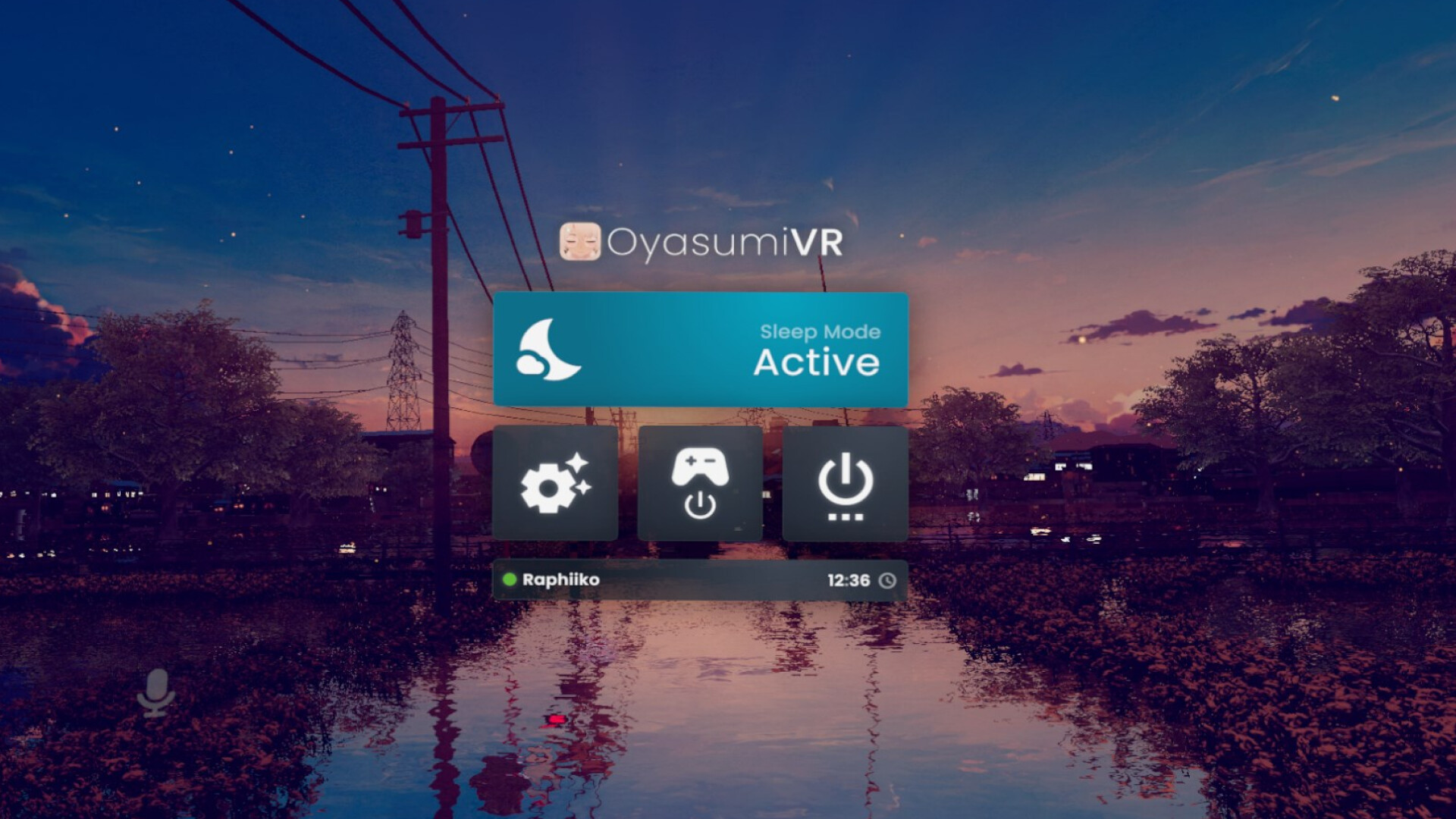
Software that helps you sleep in virtual reality. OyasumiVR detects when you are asleep and automates various tasks and settings to make VR sleeping as comfortable as possible.
Launch a coin for OyasumiVR - VR Sleeping UtilitiesYou type the name and ticker and upload your own image. 80% of its fees are held for the developer.
Fee split for every coin
Claim status
No coin yet. The developer can claim before any coin exists.
The developer connects a wallet, gets a one-time code and posts it in a Steam announcement for OyasumiVR - VR Sleeping Utilities (or the store page About text). We read Steam and pay out. Claim fees
Payments
Nothing paid to the developer yet.
About This Game
What is OyasumiVR?
OyasumiVR is a desktop application containing various utilities and automations to help you sleep with a virtual reality headset on . Most of these utilities are built specifically for use within the social vr-platform VRChat.
OyasumiVR can detect when you are asleep , and help you in various ways such as:
- 🔋 Saving electricity and battery overnight
- 🔅 Dimming your headset brightness
- ✨ Triggering avatar animations based on your sleeping pose
- 📩 Automatically handling invite requests
- 🔵 Automating your VRChat status
- 🎤 Muting your microphone when you fall asleep
- 🛠️ Automating various SteamVR settings
...and many more! Please see the upcoming "Features" section to read more about what functionality OyasumiVR has to offer. Features
💤 Sleep Detection
OyasumiVR can detect automatically when you are asleep, based on your movement! Simply calibrate once, enable the automation, and you're set.
If automatic detection is not what you're looking for, there's various alternative automations you can use, that are based on:
A time schedule
Controller & tracker battery levels
Controller & tracker power states
SteamVR status
Heart Rate
Sitting Upright
VRChat players joining or leaving
📲 SteamVR Overlay
OyasumiVR comes with its own SteamVR overlay, which allows you control some of its features from within VR!
By default, double press the A button on your right controller, and it should pop up in front of you. 🔋 Power Automations
Controllers & Trackers
Automatically have your controllers and/or trackers turn off when you sleep, and save their battery! You'll be happy when you wake up in the morning and find they'll still have some juice left in them!
Additionally, you can have your controllers and/or trackers turn off at certain battery levels, or when you put them on the charger. Ideal for hotswapping controllers!
Windows Power Policy
Save some electricity by automatically setting Windows' Power Policy when you go to sleep and wake up! Simply have it set a more conservative policy (like "Power Saver") when you go to sleep, and then restore a higher performance policy when you wake up again.
Base Stations
Have OyasumiVR turn your base stations on and off together with SteamVR. A bit like SteamVR's own base station power management, but compatible with any HMD! As long as your PC supports Bluetooth and is in range of the base...
From the game's Steam store page.